WEB3 PLAY GUIDE
Before-start checklist: costs, devices, languages, accounts and assets
After selecting an edition, check these items in its official store and support pages. Do not reinterpret unknown as free, supported or unnecessary.
Where to check and what to do when unclear
On narrow screens, scroll the table horizontally. With a keyboard, focus the table and use the left and right arrow keys.
| Item | Where and what to check | If unclear |
|---|---|---|
| Device, region and mode | Supported devices, region, edition and access mode in the selected store. | Ask official support for that edition; do not fill gaps from another. |
| Required costs | Acquisition price, subscription, duration, renewal and free scope. | Defer enrollment or purchase until required costs are clear. |
| Language | Check in-game UI, subtitles and audio in your preferred language, separately from storefront language. | If your preferred language is not listed, ask support rather than assuming support. |
| Account | Registration, email verification, age and region eligibility, linking. | Read that edition’s instructions; do not reuse another store’s login flow. |
| Wallet and signing | Embedded or external wallet, permission granted by a signature, and whether ordinary play requires it. | Do not continue an unclear connection or signature; consult official support. |
| Optional purchases and assets | Role in cosmetics, progress, cards or trading; quantity, price, refund and withdrawal terms. | Defer purchase until utility and a spending limit are clear; do not assume resale or income. |
Two edition-sensitive examples
Off The Grid — Check Steam/Windows and the Japan PS5 store separately for entry and price evidence. Crossplay does not mean shared progress.
Treeverse — Distinguish an external connection from a Passport-created embedded wallet. Windows/Epic conditions and sources
Use the official entry and keep a way back
Use the article’s official link for your edition and verify the domain and operator. Avoid purchasing or signing solely through an ad or an unsolicited URL. Read ordinary entry and asset trading instructions separately.
Connections, signatures and token approvals: what changes?
A reference to a wallet does not identify the action being requested. These examples use MetaMask's official documentation. For an embedded or different wallet, consult that service's own explanation.
Connect: which site can see which account?
An ordinary connection lets the site see the selected address and its public holdings. Permission to move tokens is separate.
What to check: Check that this is the site you intended to open and identify the selected account.
MetaMask: Why am I being asked to connect my wallet to a dapp? · Source reviewed 2026-10-19Sign: what message or transaction are you confirming?
A signature verifies the originator of a message or transaction. The label alone does not explain what you are agreeing to.
What to check: Read the requester and contents. Distinguish authentication from an asset-related permission; if unclear, stop and return to the official explanation.
MetaMask: What is a signature in MetaMask? · Source reviewed 2026-10-19Approve: who can move which tokens, and how much?
A token approval authorizes an app to move particular tokens. Requests can include an unlimited allowance or management of all NFTs associated with a contract.
What to check: Check the asset, spender and limit or scope against the feature you want to use. Treat this separately from confirming a game login.
MetaMask: What is a token approval? · Source reviewed 2026-10-19Disconnecting and revoking approval are also different
In MetaMask, disconnecting does not revoke existing token approvals. To review an unwanted permission, use the official explanation of approval management. Reading this guide requires no connection, signature or revocation.
MetaMask: How to disconnect a wallet from a dapp · Source reviewed 2026-10-19A documented path from gameplay to an official entry
Conditions in this worked example assessed as of: 2026-10-16 · The article edit date is separate from a new check of game conditions. Follow the game link for individual evidence and review dates.
- Choose the gameplay
A classless, top-down MMORPG set in Arboros.
Compare its decisions with Pixels - Review one offering
Windows / Epic / Alpha and Early Access
- Device: Windows
- Access: Playable now
- Entry cost: Free start
- Wallet at entry: Embedded wallet created automatically
- Languages: English
- Japan eligibility: Not verified
Free download, free play, eligibility and language are separate fields. Unknown conditions do not count as positive confirmation.
- Review the documented entry scopeRead acquisition, account and initial-goal steps for this offering
Conditions from the iPhone edition are not added to this Windows offering.
- Open the offering’s official guidanceOfficial page for the reviewed Treeverse offering
This illustrates how to read the documents, not editorial installation, authentication or gameplay.
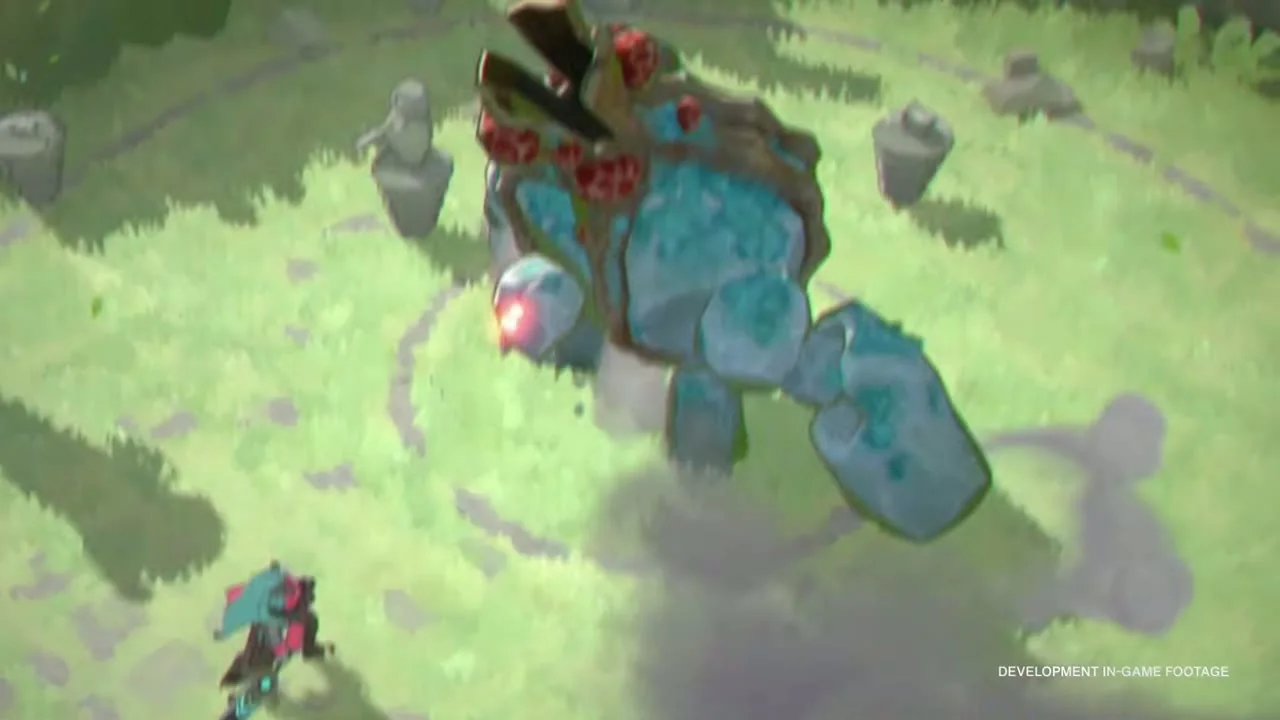 GAMEPLAY VIEW
Development footage showing a character fighting a large enemy.
Scene from saved official footage. Recording build/date are unknown; current UI and values are not established.Visual source ↗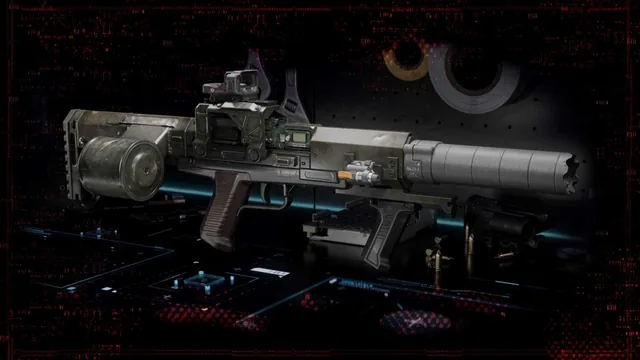 OFFICIAL ART
Official equipment art showing a weapon with a sight and large magazine, not a match screenshot.
Saved official promotional material; it does not establish current UI or entry conditions.Visual source ↗Web3 Play editorial team · Based on official sources. Installation, registration and gameplay were not performed. Editorial policy · Edited 2026-10-19