Holosim is a browser game in the Star Atlas universe about managing fleets, resources and missions.
Sources reviewed · 2026.11.17
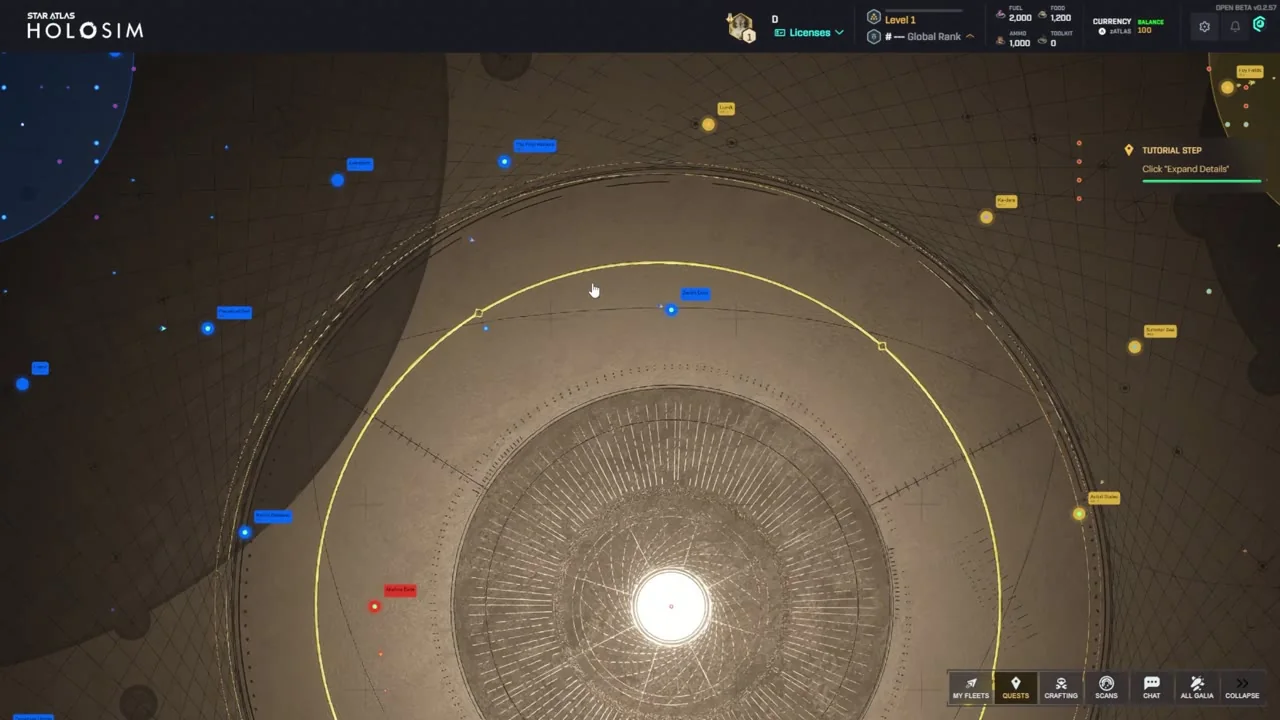
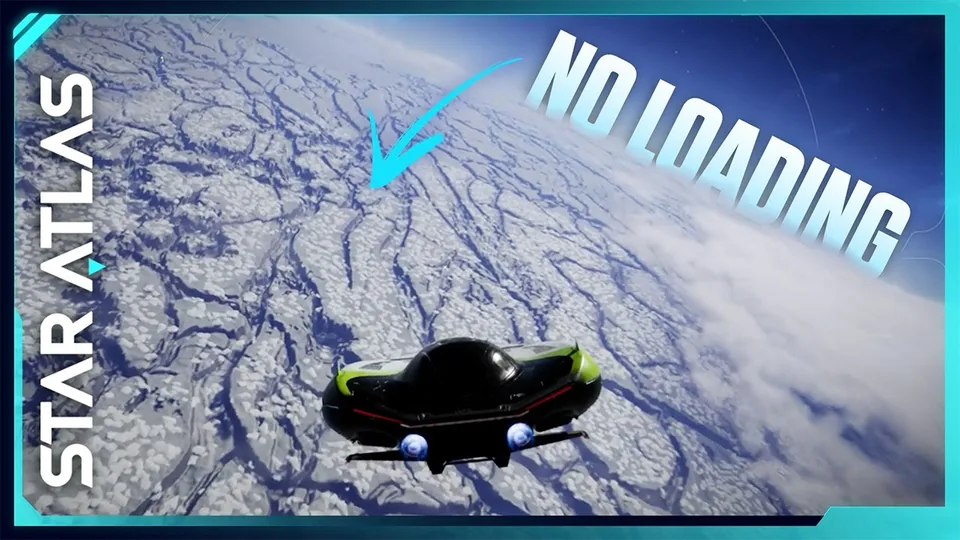
Frame from saved official Holosim footage; capture date and build are unknown. Image source ↗
01
Start with the tutorial
Official support describes choosing a character name and faction, then learning fleets, resources and missions through quests. The faction determines a starting region and allies.
02
Wallet and optional purchase
The December 2025 support guide describes Holosim as playable without installation or a connected wallet, with an optional Battle Pass. Do not extend that condition to every Star Atlas product.
03
Reading the image
The frame shows a star-system map and fleet menu from official Holosim footage. The capture build is unknown and its UI or resources may have changed.
Check the assessment and evidence dates for entry conditions. Historical assessments do not guarantee current availability.
The Star Atlas and Holosim articles can refer to the same Holosim offering. They remain separate articles, not two independent confirmed distribution editions.
Choose other editions individually in the entry paths below.
A guide based on official sources. We have not installed, signed in or played. · As of 2026-11-17
01 / PLAYWhat do you do in the game?
The primary route is Holosim, a browser fleet-management simulation rather than the PC 3D ship experience. Its official presentation separates this learning entry from ship ownership, external-wallet setup and high-end hardware.
Choose a name carefully because the help says it cannot later change. Faction determines starting region and allies. Quests then teach the relationship between fleets, resources and objectives; an optional Battle Pass is a separate spending choice.
Holosim does not inherit SAGE mining, crafting or SDU entry conditions, nor the 3D access key. Learn fleet decisions here, then reassess conditions if moving into another mode.
Learn through quests in your faction's starting region.
Manage fleets while exploring and progressing missions.
Holosim centers fleet, resource and objective relationships. Directly piloting a ship in a 3D experience is a different entry. Start with the action you want rather than treating presentation as proof of shared gameplay.
In the SAGE C4 Public Test, the official guide describes choosing a faction and callsign and creating a test profile. At the Port of Entry, select supplied test ships and resources and use a Transfer Manifest to move them to your faction’s base before experimenting with fleets and the map. This test is separate from Holosim and the live economy: the guide says the supplied assets and wallet information are test-only, not real assets. Check official notices for the current test phase and availability.
The help moves from name and faction choices to Quests. Faction concerns starting region and allies. Follow how an objective maps to fleet orders; treat the optional Battle Pass as a separate choice.
Learning fleet decisions in Holosim does not satisfy SAGE asset conditions or a 3D access-key requirement. This overview helps readers choose between related entries without merging their participation terms.
[1] · [2]Additional notes on actions and decisions
A PLAN FOR UNDERSTANDING THE GAME
Choose an edition before reading a mission
Use this overview to organize the distinctions between modes.
Preferred action
Choose fleet orders or direct piloting.
Entry
Identify the corresponding mode and device.
One objective
For Holosim, use Quests to connect objectives and orders.
What to review Use the Holosim detail article for depth and each mode’s official guidance for its terms.
An editorial plan based on the cited documentation, not a completed session. Use the article’s edition-specific entry conditions. [1] · [2]
OFFICIAL PRODUCT OVERVIEW · PUBLISHED IN 2025
An introduction to Star Atlas from its official channel. It adds a video view of the experiences being presented alongside the space-world artwork.
A product overview published in June 2025. This video alone does not establish current controls or entry conditions for Holosim, SAGE or the 3D experience.
Optional pass adds rewards; current price unverified. · [2]
Assets and trading
SAGE asset actions are another mode, not Holosim entry costs. · [1]
Ongoing costs
Keep free Holosim separate from optional passes and other modes. Check any pass renewal conditions; SAGE transaction costs are not merged. · [2]
Windows / Epic / Showroom test
The entry cost and optional purchase conditions for the Showroom test are unverified. Check the official information for access-key eligibility and costs.
Cost categories for this offering
Category
Payment and scope
Entry cost assessment
Not verified
Holosim's wallet-connection condition does not apply to SAGE. Keep simulation separate from real-asset economic actions; no external connection does not mean no internal wallet infrastructure.
04 / STARTOfficial entry and participation by edition
These are editorial selection points inferred from official gameplay descriptions. Display order is not a rating; upcoming access and unknown conditions retain their offering scope.
Why compare this game Compare preparing fuel and modules for a ship you take exploring rather than managing a fleet.
Prepare an expedition by fueling your ship and equipping manufactured modules. Set exploration goals around your supplies and the materials you want to bring back.
Why compare this game Compare matching Colonist skills with facilities and allocating resources to crafting and combat rather than space fleets and missions.
Match Colonist skills to facilities and allocate resources to crafting or combat. Treat free-form conversation, cosmetic fabrication and combat preparation as separate purposes and conditions.
In Holosim, base Details identifies resources, and mined cargo must be unloaded at a base. Transport instead moves existing inventory to another base. Separate the material you need from where it is needed; the dedicated Holosim article explains the commands.
The crafting guide updated on 8 December 2025 combines recipes, quantities and crew at faction bases. Refinement, contracts and ships are distinct outputs; levels unlock recipes and ships may need permits. More crew speeds production according to the guide; no timing or optimal allocation was measured.
The safety guide distinguishes faction safe zones and warp travel from medium-risk mining, idle and subwarp states. A docked fleet can become a prisoner of war if another faction takes the base. Planning therefore includes exposure, rather than only throughput. These documented conditions do not establish current loss handling or guaranteed safety.
Documented decisions for browser Holosim. Read them separately from SAGE asset transactions and direct piloting in the 3D edition.
Your purpose
What to inspect and decide next
Gather resources
Check base Details for available resources. Distinguish mined fleet cargo from inventory unloaded at a base.
Use stock at another base
For existing stock, consider loading, transport and unloading. A material shortage and stock in the wrong location call for different orders.
Start production
Check recipe, quantity and crew at a faction base. Levels and ship permits are separate conditions; materials alone need not make a recipe available.
Plan around exposure
Check location and fleet state together. Distinguish medium-risk mining, idle and subwarp from a base changing faction. Being docked is not an unconditional safety guarantee.
This table reorganizes the official sources already used in the article. It does not newly establish current prices, timings, optimal allocations, actual loss handling or individual eligibility from Japan.
The official site distinguishes browser Holosim and SAGE from PC 3D experiences. For fleet strategy, follow Holosim’s tutorial and updates without assuming assets or controls from another experience transfer. Economic volume and technical capacity do not establish the number of retained human players.
What cost, language, wallet and Japan eligibility conditions apply to each edition?
Browser / Holosim: Availability: Needs recheck / Entry cost: Needs recheck / Languages: Supported language list not verified / Wallet at entry: Needs recheck / Eligibility from Japan: Not verified; Windows / Epic / Showroom test: Availability: Needs recheck / Entry cost: Not verified / Languages: Language list needs recheck / Wallet at entry: Not verified / Eligibility from Japan: Not verified
Must I buy a ship for Holosim?
The conditions behind this question currently have the following assessment. Check this edition’s conditions and official entry guidance before deciding. Browser / Holosim — Entry cost: Needs recheck
Explore Star Atlas through official images and video
Review its space environments, stations, and spacecraft through the official press kit.
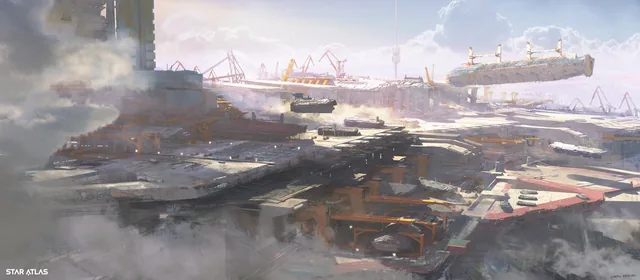
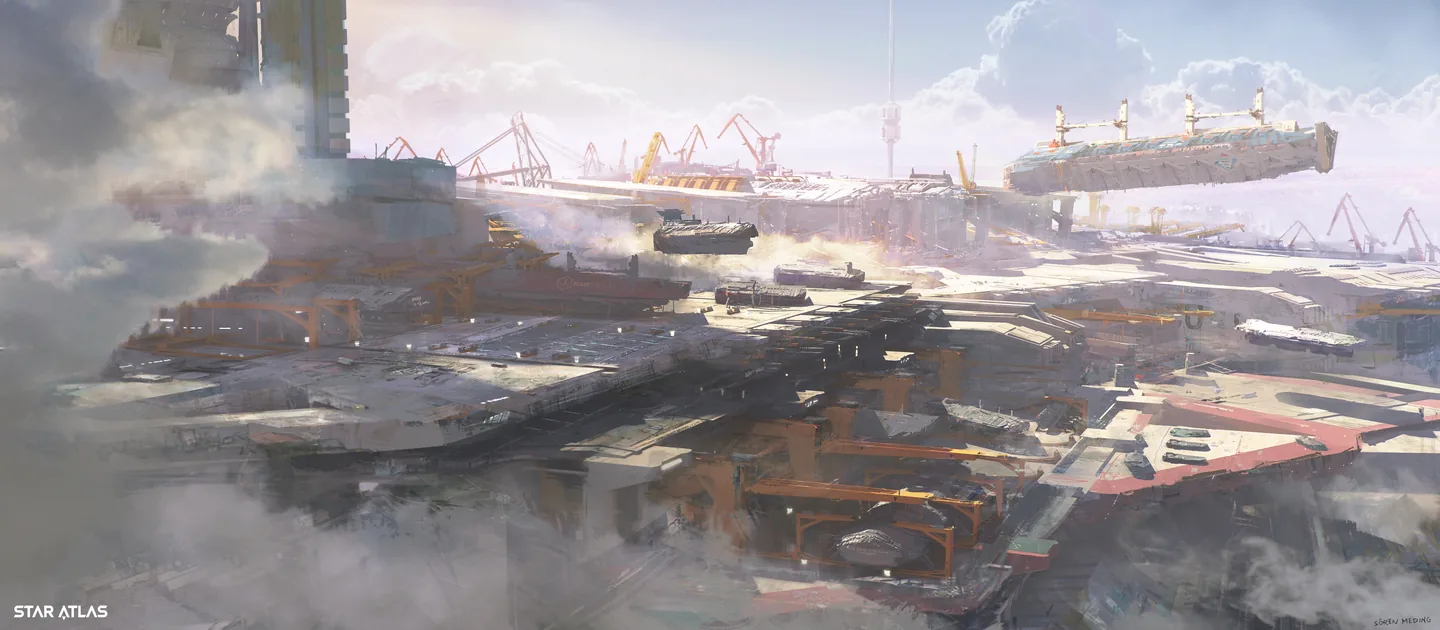
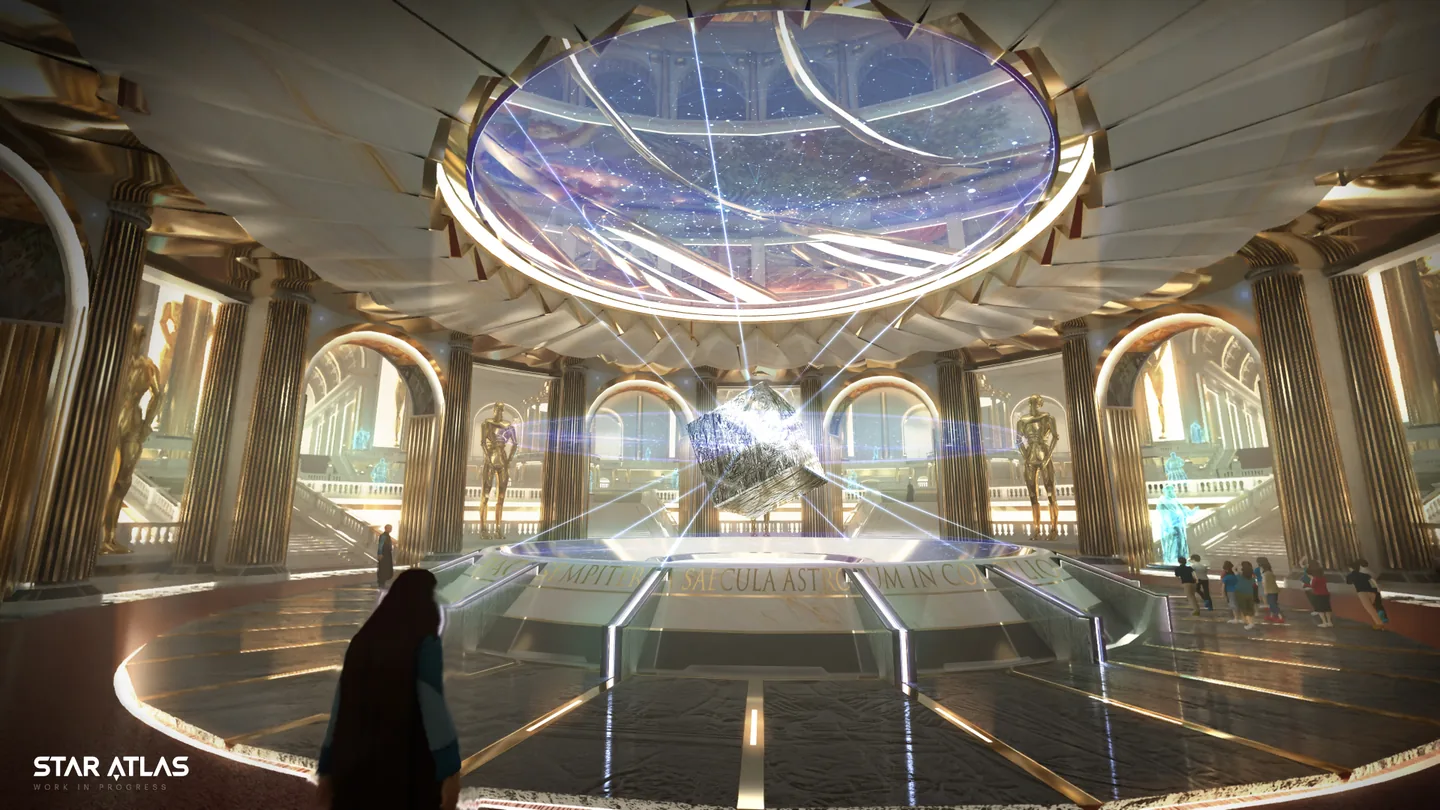
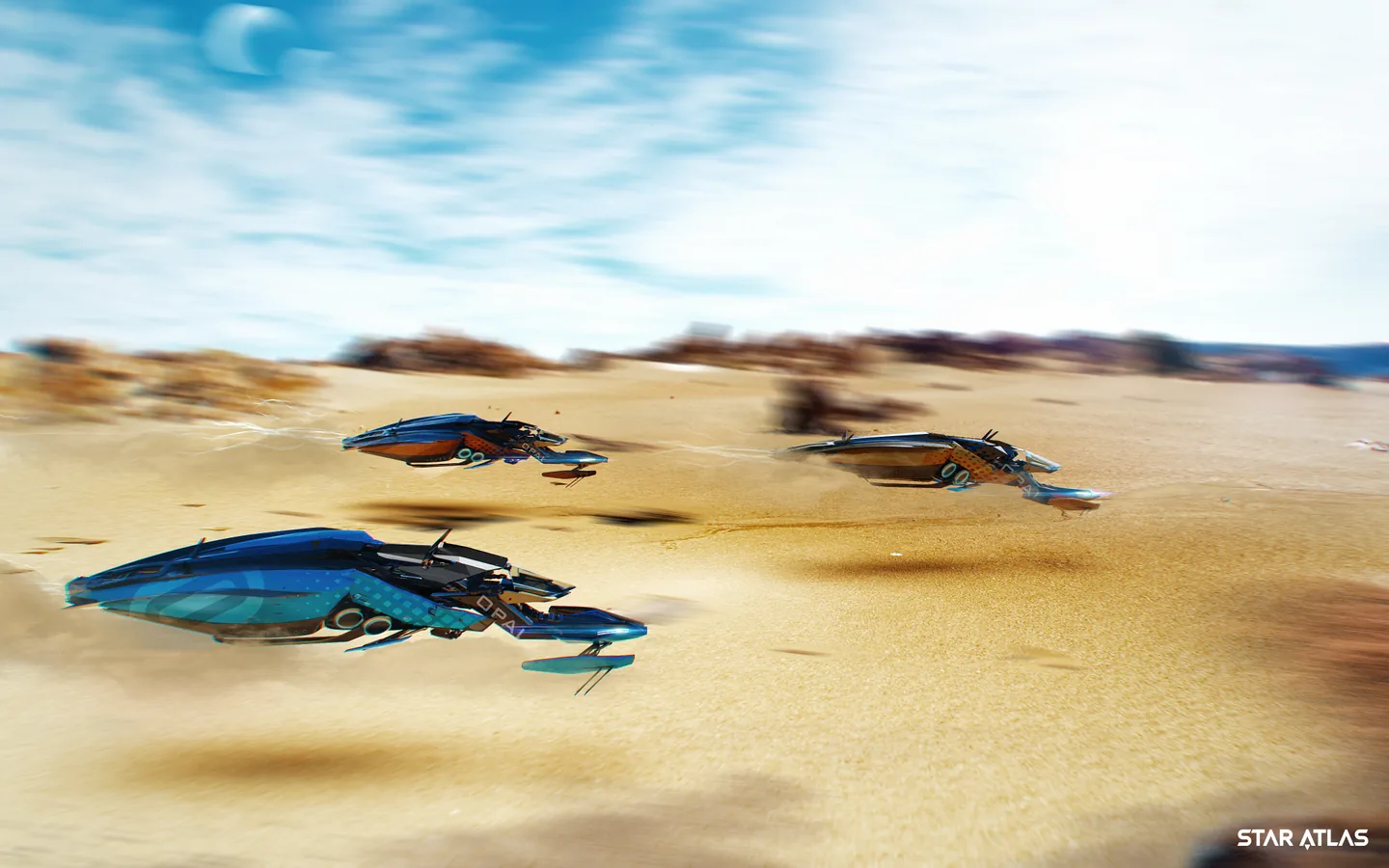
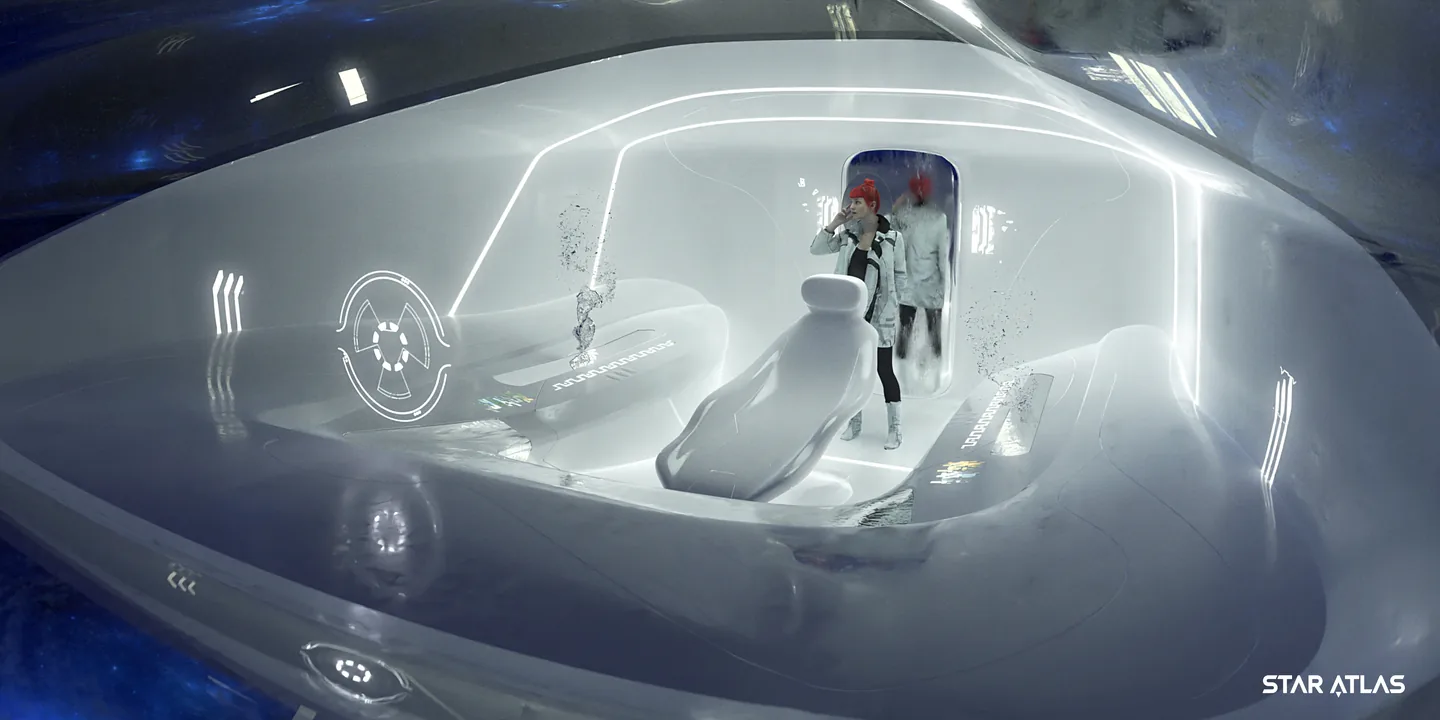
Official concept art of an industrial area with cranes and large structures.Concept art of a circular hall with a spherical ceiling display and illuminated paths.Official artwork of three small craft flying above a desert.Concept art of a white spacecraft interior with seating, a console and a standing figure.
Written reviews and store ratings for a specific edition and region have not been recorded here. This is not a negative rating or evidence that no reviews exist.
Reviews and official documentation
Gameplay and entry guidance use official documentation. No editorial hands-on review is presented.
Holosim recipes, quantities, crew, Current Jobs only; no balance/current rewards/entry verification
Used for gameplay or background context in this article. Current access, cost and language conditions are assessed separately through field evidence for each offering.
Holosim faction safe zone, warp/subwarp and medium-risk states only; no actual loss test
Used for gameplay or background context in this article. Current access, cost and language conditions are assessed separately through field evidence for each offering.